
On feet, without a shoot
The example below is a pair of canvas sneakers from our demo store. The source is the standard packshot on grey. The generated photos show the same pair worn on a park path and in a mirror at home. The lacing, the sole and the shape stay; the setting and the person are drawn.
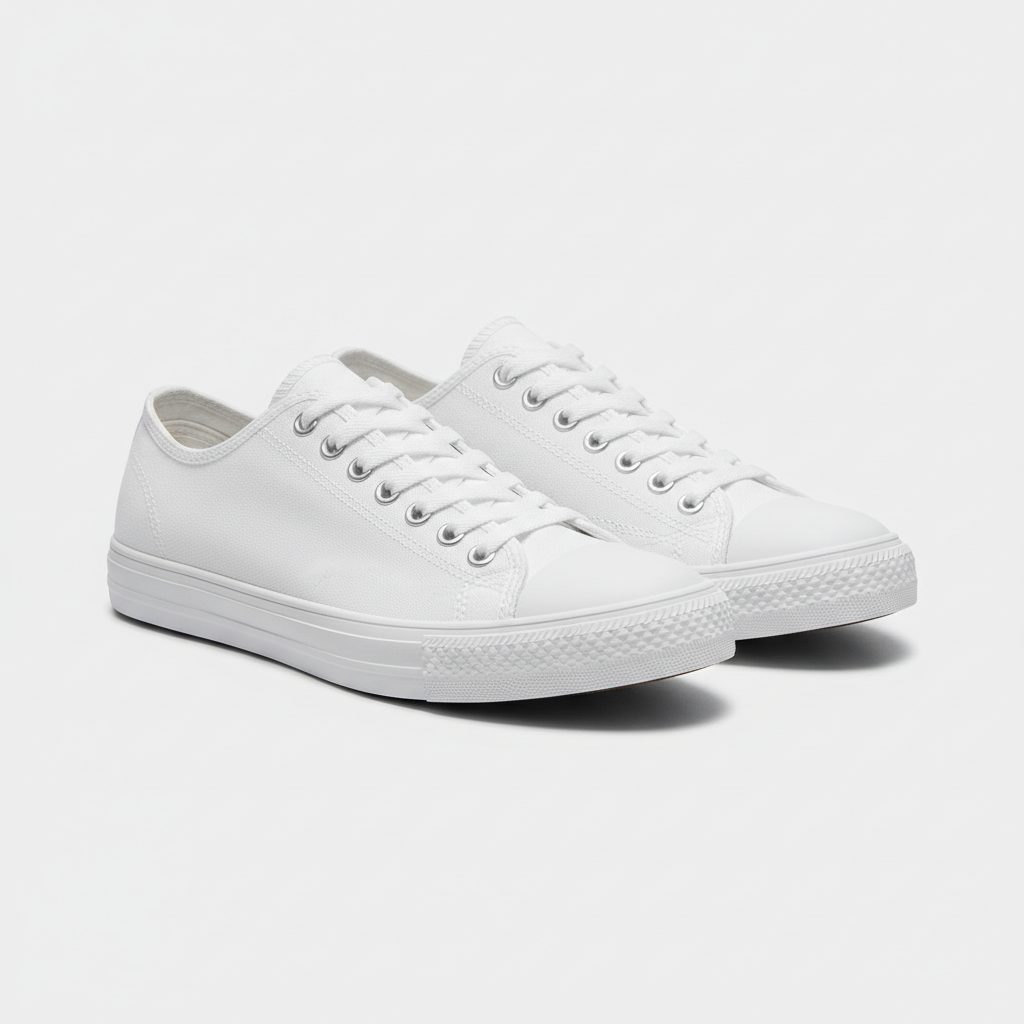
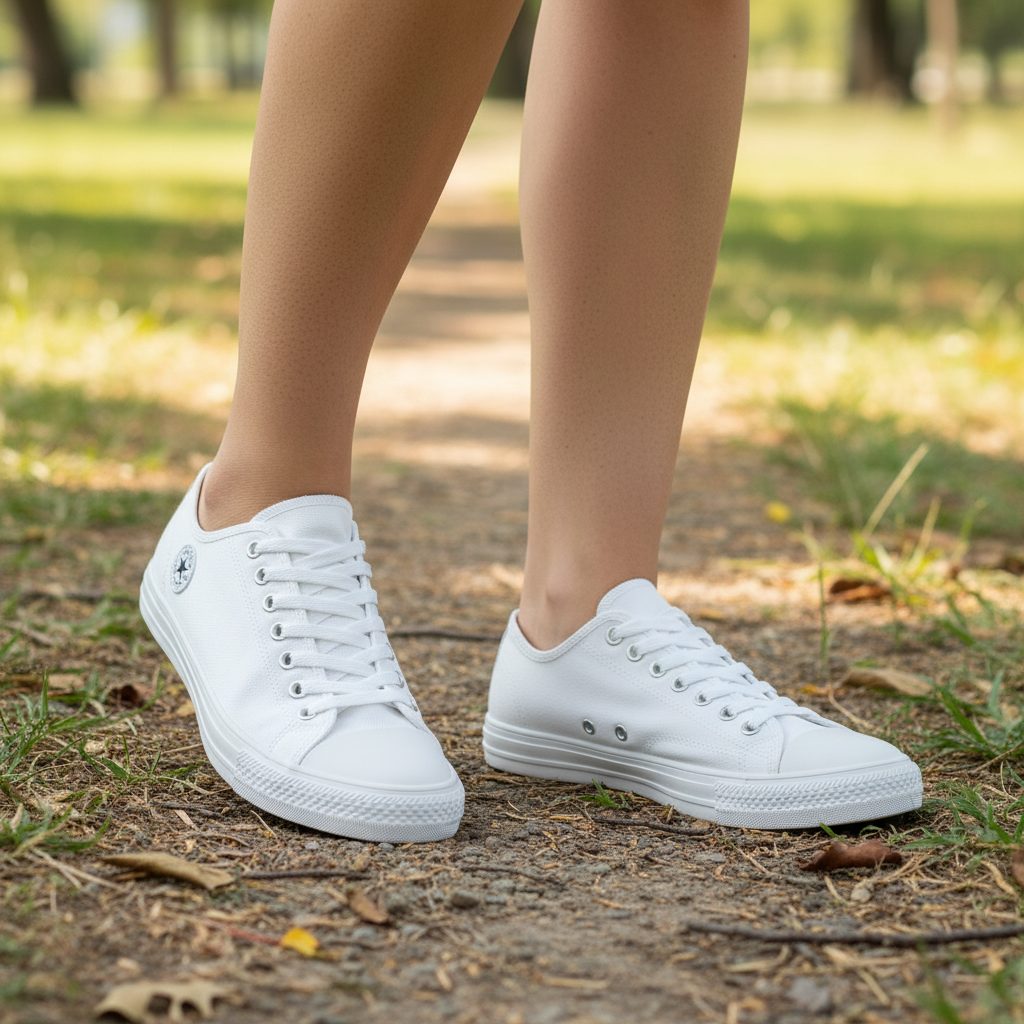
Settings that work for shoes
- Park path or street for sneakers and trainers.
- Mirror at home for the try-on moment shoppers know from social media.
- Studio, product only for the first gallery image and for detail.
- Short clip of the shoe turning, $0.70 for five seconds.
What to check before you publish
Count the eyelets. Check the logo, the sole colour and the toe shape against the source. Feet and hands are where generated images go wrong most often, so look at them before anything else. Publish only what passes; sameface adds the photos you choose beside your own and never replaces them.
What it costs
Photos are $0.08 USD each. A catalogue of 80 styles with two worn photos each is $12.80, once. New stores get 15 photos free. No monthly fee, no credits.
Questions merchants ask
How much does a photo cost?
Each generated photo is $0.08 USD after the 15 free photos every new store receives. A five-second clip is $0.70, a 360 view is $1.50. There is no monthly fee. See the pricing page.
Does it change my existing photos?
No. Results land in your Shopify Files. You choose which ones to publish, and they are added beside the photographs you already have.
Do I need a model or a photographer?
No. Pick a product-only scene, or add a ready-made AI model. The prompt is written by the app from the product, the setting and the format you choose.
Can I use the same AI model across all shoes?
Yes. A saved model reference can be reused across products, so the on-foot photos in one collection share a look.