
What a skincare store gets from one packshot
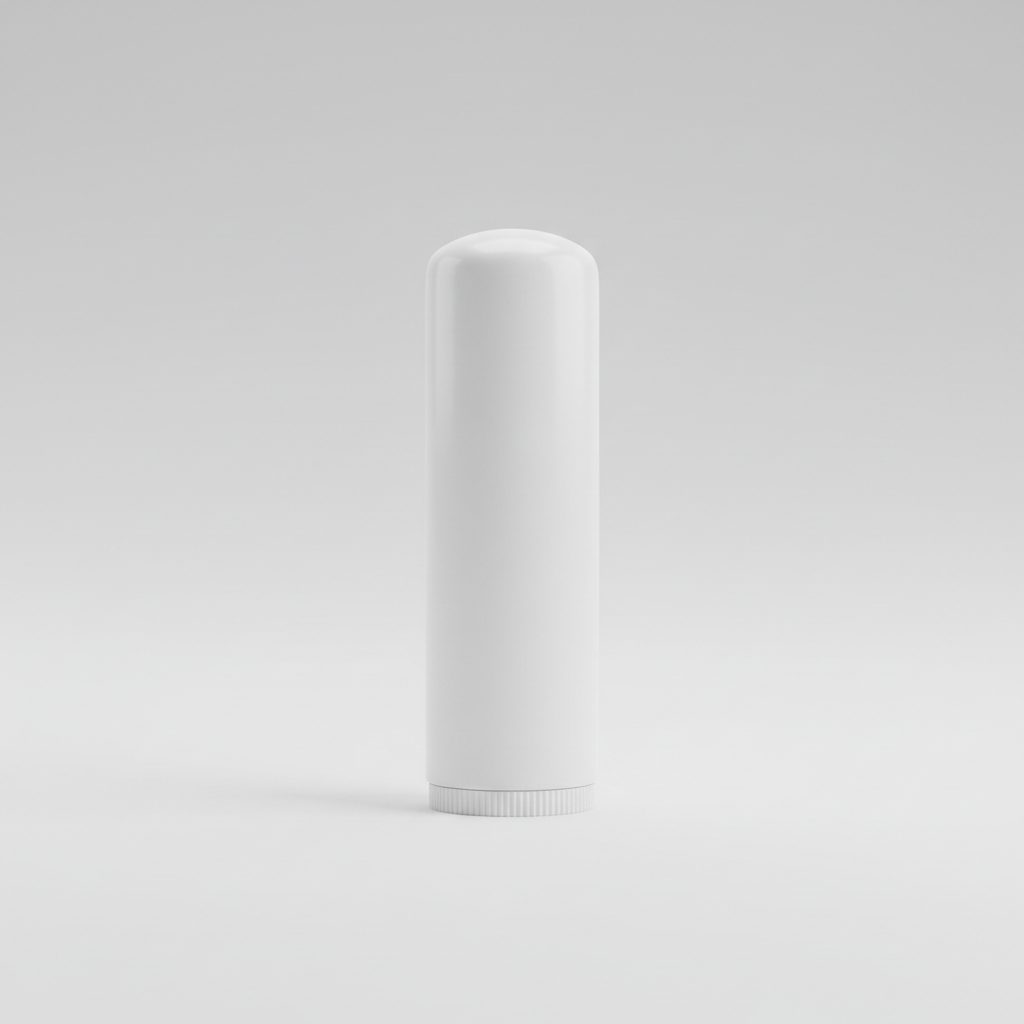
Most skincare catalogues start with one clean product shot on white. That photo is right for the first gallery slot and wrong for everything else: it does not show scale, skin, a bathroom shelf or the product in a hand. sameface takes that one packshot and makes the rest. Pick the product in your catalog, choose a setting such as a marble counter, a bathroom mirror or soft studio light, and choose whether a person appears. The app writes the prompt from your product and your choices, so you do not.
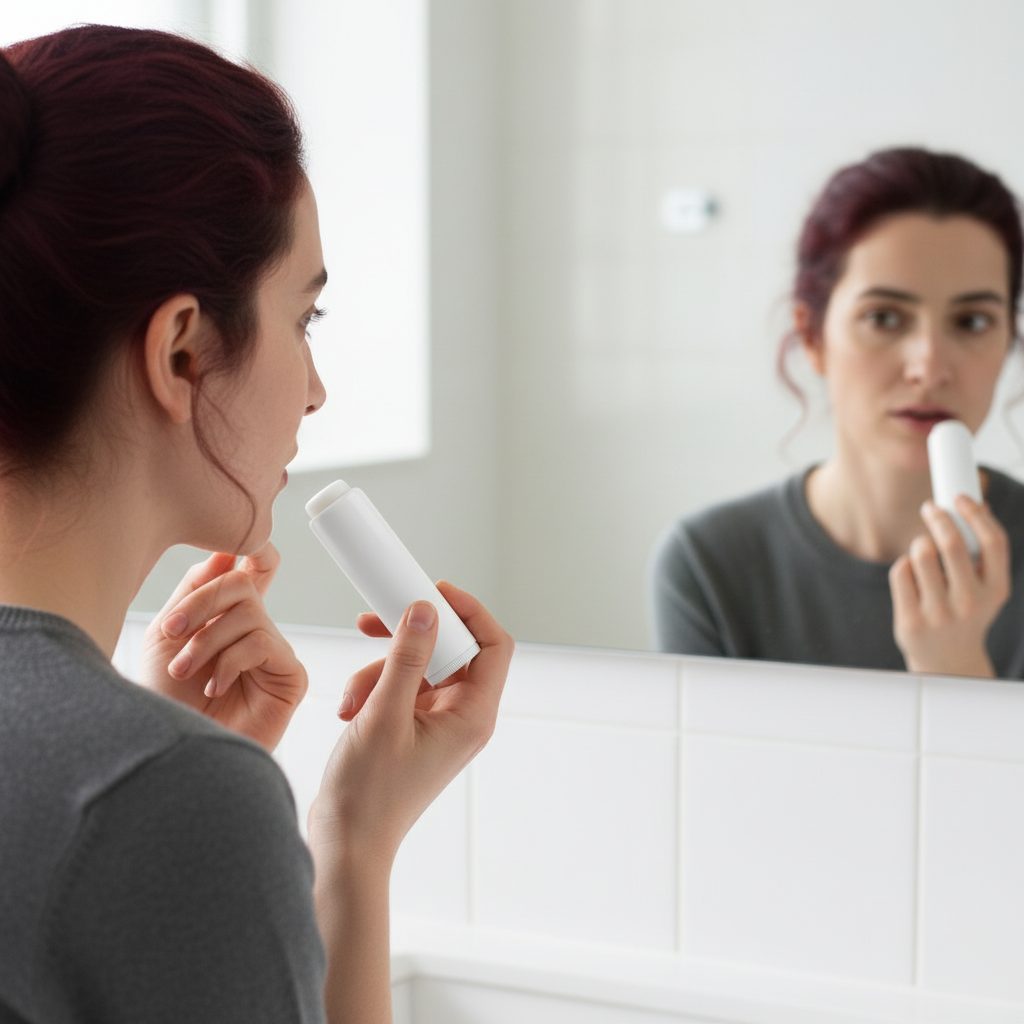
Below, a fragrance-free balm stick from our demo store: the source photo, and one generated result with a model applying it at a mirror.
Settings that work for cosmetics
- Marble or stone counter for serums, oils and creams, with a soft window light.
- Bathroom mirror for anything applied to the face; the product stays the subject.
- Studio, product only when the packaging is the story: embossing, caps, colour.
- In hand to show scale, which a white-background shot never does.
Keep the original packshot as the first image. Add generated lifestyle shots after it. Shoppers read the first image for what the product is and the next ones for how it feels.
What to check before you publish
Skincare packaging carries small text: ingredients, volume, claims. Read it on every generated image and compare it with the source. If a label changed, leave that image unpublished. The same applies to colour: a peach balm must stay peach. sameface never publishes on its own, so nothing reaches the storefront before you looked at it.
What it costs for a skincare catalogue
Photos are $0.08 USD each. A catalogue of 40 products with three new photos each is 120 photos, $9.60, once. New stores get 15 photos free. A five-second clip of a product turning in the light is $0.70. There is no monthly fee and no credit pack; the charges land on your Shopify bill.
Questions merchants ask
How much does a photo cost?
Each generated photo is $0.08 USD after the 15 free photos every new store receives. A five-second clip is $0.70, a 360 view is $1.50. There is no monthly fee. See the pricing page.
Does it change my existing photos?
No. Results land in your Shopify Files. You choose which ones to publish, and they are added beside the photographs you already have.
Do I need a model or a photographer?
No. Pick a product-only scene, or add a ready-made AI model. The prompt is written by the app from the product, the setting and the format you choose.
Can it show the product on skin?
Yes, with a ready-made AI model or one you create. Check hands and skin contact on each result before publishing, as you would with any photo.